Your first planet
This walk-through makes a small pack from nothing: a level on your own geometry, a start point, an ant squad that keeps a door shut, an exit home, a message when you arrive, and a planet on the map that leads to it. It takes about half an hour. You need Studio set up with your ROM, the decomp and the port.
Don’t have a level model yet? Open the example world first and copy one of its .glb
files from geometry/, or follow Modelling a level to make a simple floor in Blender.
Create the project
File › New project… opens the dialog:
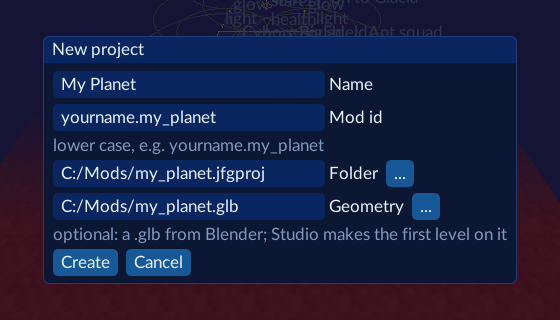
- Name: what players see in the Mods list, e.g.
My Planet. - Mod id: lower case and unique to you, e.g.
yourname.my_planet. It names the pack and keeps your content apart from other people’s, so don’t reuse someone else’s. - Folder: where to make it. Studio creates
my_planet.jfgprojinside. - Geometry: your
.glbfrom Blender. Studio copies it into the project, makes the first level on it, and puts start point 0 in the middle, on the floor. Markers from the Blender add-on become objects.
Press Create. The level opens in the Scene and the import check runs: its report is in the Console (segments, triangles, new images, whether it fits the game’s track buffer, and the special surfaces it found).
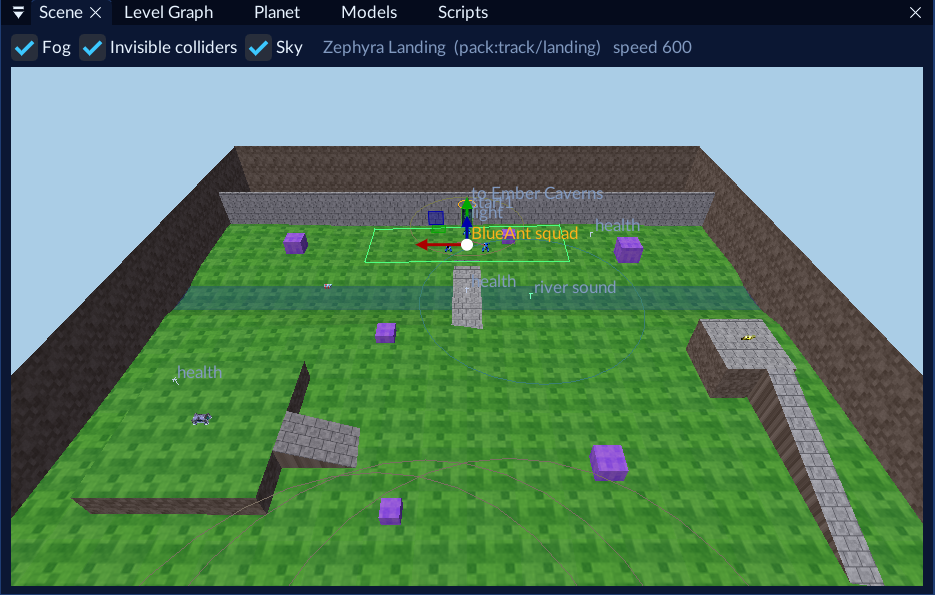
Look around
Hold the right mouse button and use WASD to fly, Q/E to go down and up; the mouse wheel changes the speed. F frames the selection, or the whole level from above.
Set up the level
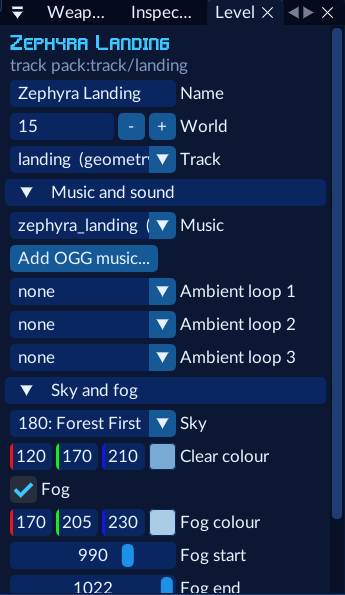
Open the Level window (right side). Give the level a Name (31 characters at most), pick its Music (any stock tune, or your own OGG), a Sky and Fog.
Add an ant squad that locks a door
In Prefabs (bottom), open Groups and drag Squad, region and locked door into the Scene. Before you drop it, pick the Squadron (an enemy type and its count), a Door, and how many Members.

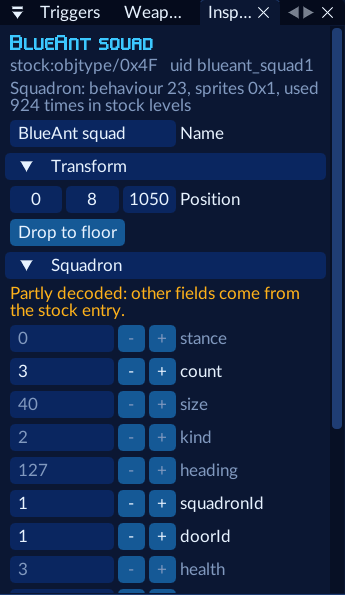
You get a squadron, its members, a square navigation region they keep to, and a door that stays shut until they’re all dead. The Inspector shows each part’s fields.
Every squadron needs a navigation region with at least three corners, or the game crashes when the level starts. The group makes one for you; the validator catches a missing one.
Place pickups and move things
Search Prefabs for health and drag a few in. Select an object (click it, or in the Hierarchy) and:
- W moves it; with Floor on (toolbar) it drops onto the floor below. Snap moves in grid steps.
- E turns objects that have a facing; R sizes those that have a size.
- Drop to floor in the Inspector puts it on the floor, a little above it so it doesn’t spawn inside a slope.
Add the exit home
Drag Groups › Exit and return start point near the edge of the level. Select the exit, and in the Inspector’s Destination pick Leads to (any of your levels or a stock level: Goldwood’s Forest First is a good one) and the Start point to arrive at.
Say hello
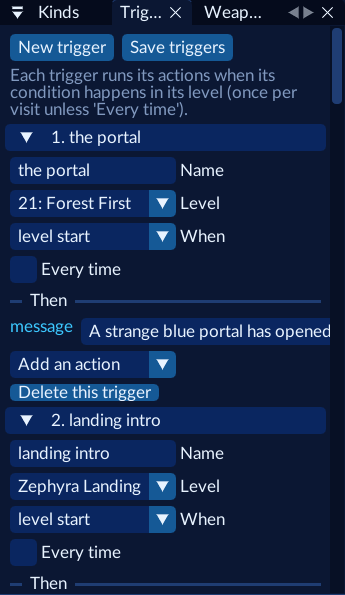
Open Triggers, press New trigger, and set When to level start. Its first action is a message: type
your welcome. Press Save triggers.
Put it on the map
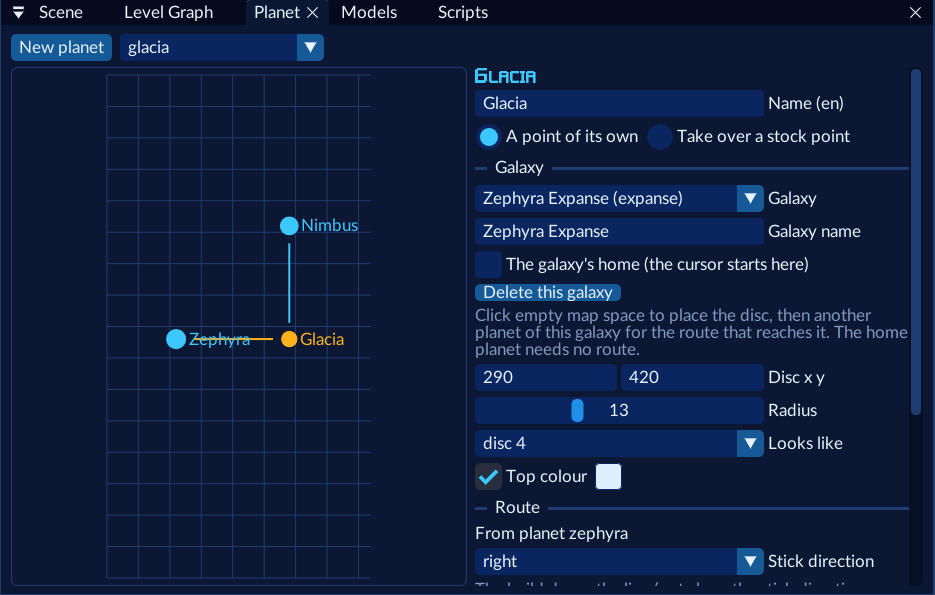
Open Planet and press New planet. Give it a Name, then click empty map space to place its disc and a
stock planet to draw the route from (only free stick directions are offered). Set Entry level for Juno, Vela and
Lupus to your level. Opens decides when it shows: with the stock point its route leaves is the simplest.
Validate, save and play
Press Ctrl+S, then Validate: the Console lists problems; click one to jump to the object. With no errors, pick a hero next to Play and press it. Studio builds the pack, installs it into the port, and starts the game in your level.

Sharing it
Build › Build pack writes my_planet.jfgproj/build/<mod id>.nrm. That file is your mod: players put it in their
mods folder. It carries only your content; the game’s parts are filled in from each player’s own ROM.
Next
- Look at how the example world does more: a galaxy, hidden planets, a reskinned enemy, talkers and a finale.
- Tutorials for single features.